WHERE IT RUNS
On your Docker account, your own machine, or your own cluster.
Pick per workspace. Whichever you choose, the app and everything in it stays the same.
THE DEFAULT
Docker Sandboxes
For almost everyone. Nothing to keep running yourself.
- Workspaces run on your own Docker account.
- Connect the account from the app, once.
- Keeps going with every laptop closed.
- Optimized templates work here: a launch restores a saved disk.
- You pay Docker for what you use, on your Docker account.
FREE
Your own machine
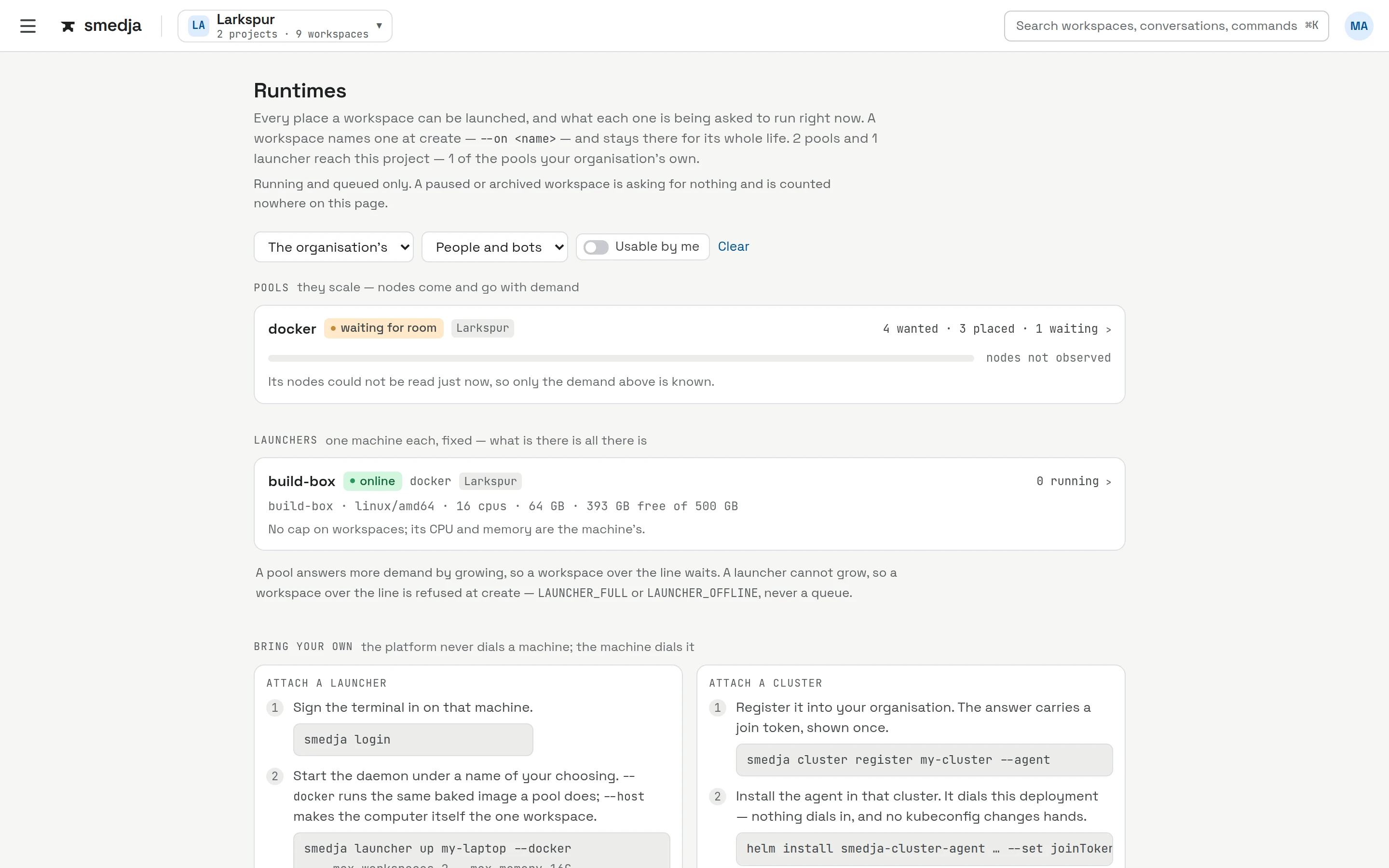
For saving money with hardware you already have, like a desktop or a build box that stays on.
- Free, on hardware you already have. Linux or Mac.
- Each workspace is isolated from the rest of the machine and from your network.
- It runs while that machine is on. Put it on something that stays on, not the laptop you close.
- Set up with one command from the terminal, then it's a runtime like any other in the app.
$ curl -fsSL https://console.smedja.app/dl/install.sh | sh$ smedja login$ smedja launcher up
ENTERPRISETalk to us
Your own cluster
For organizations that want workspaces on their own compute.
- Workspaces run in your own Kubernetes cluster, and workspaces and checkouts stay in it.
console.smedja.app
THE SAME EVERYWHERE
The runtime changes. Nothing else does.
The appThe templatesYour agentsYour integrationsYour keys, out of the workspace